Removing duplicate lines in a text file using notepad++
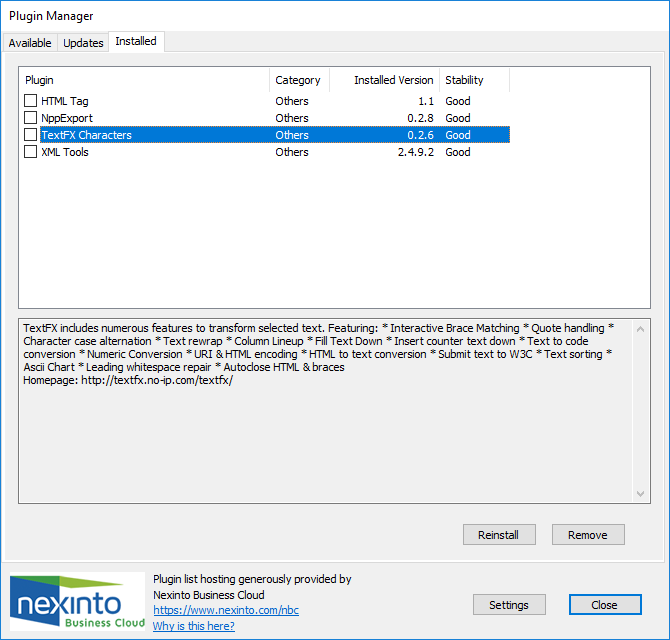
First ensure the TextFx plugin has been installed in your version of notepad++.
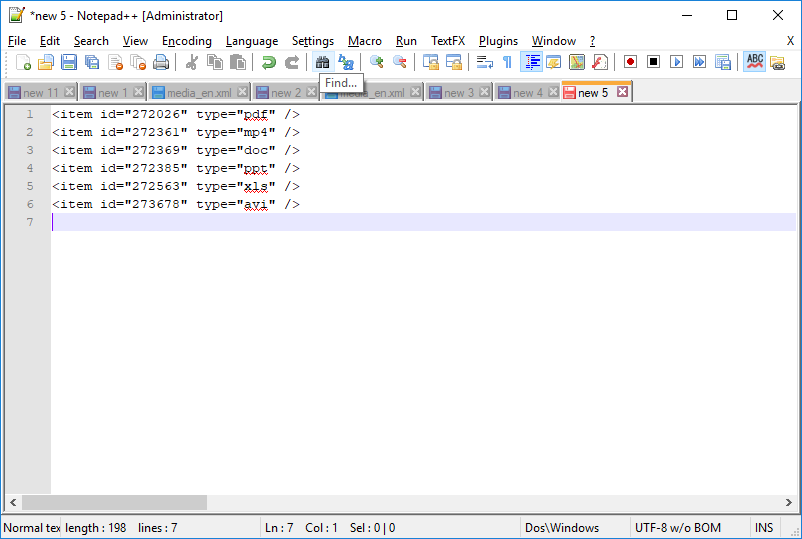
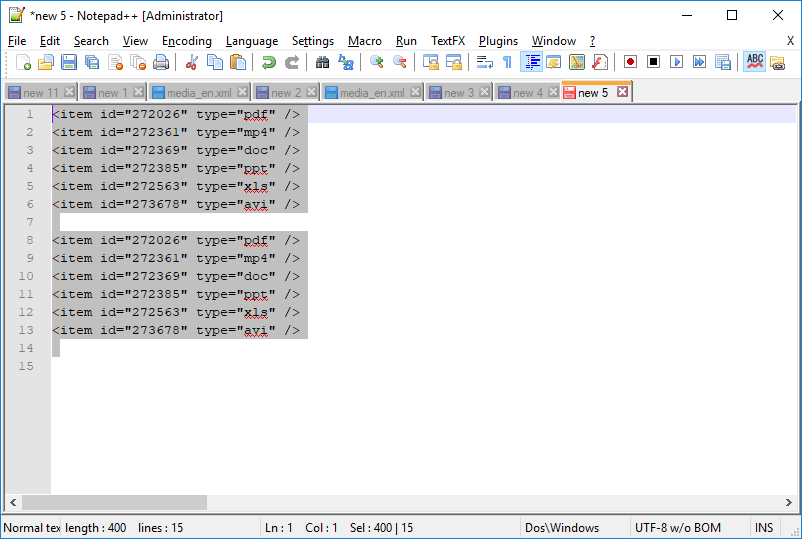
 Some example text:
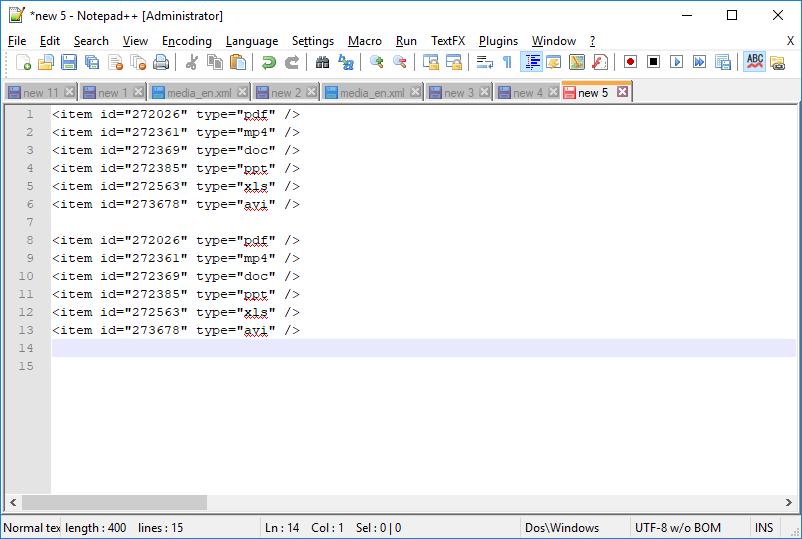
 I then copy and paste that block of text to ensure there are duplicate lines:
 Removing the duplicates involves THREE steps:
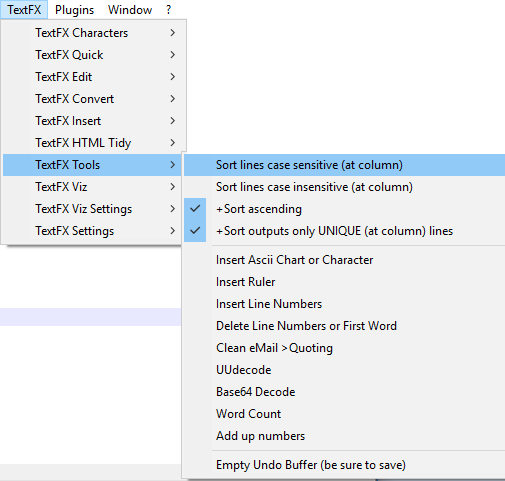
1. If you have not already done so, ensure the appropriate TextFX plugin is checked.
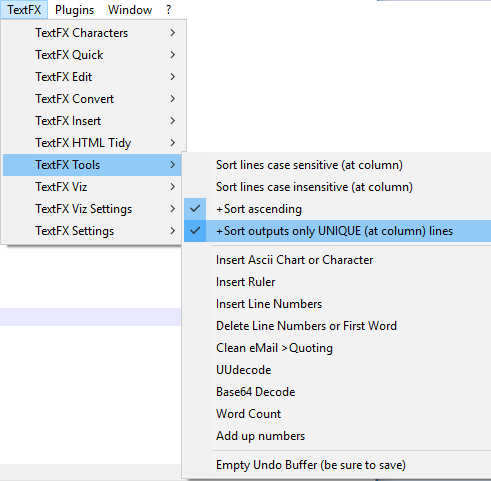
Select TextFX > TextFX Tools > Sort outputs only UNIQUE at column lines:
Removing the duplicates involves THREE steps:
1. If you have not already done so, ensure the appropriate TextFX plugin is checked.
Select TextFX > TextFX Tools > Sort outputs only UNIQUE at column lines:
 2. Select ALL of your text (select Control + A)
 3. Select TextFX > TextFX Tools > Sort lines case sensitive (at column):
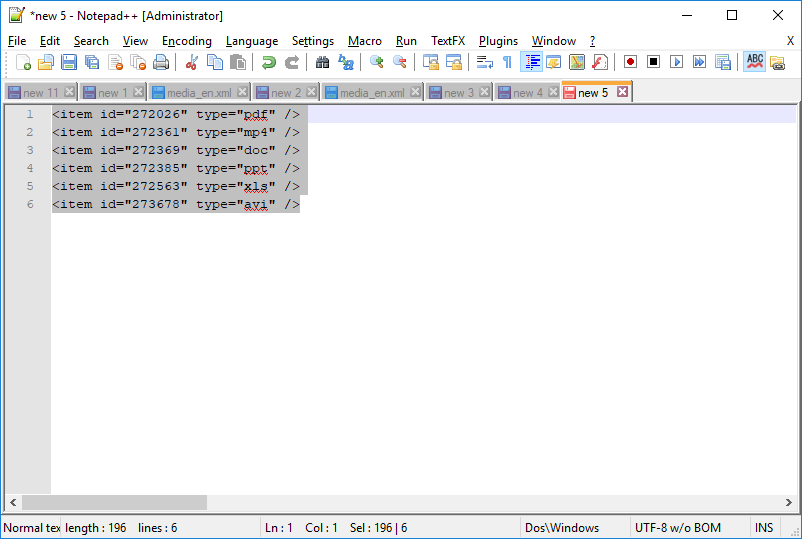
 See that the duplicate lines have been identified and removed:
Some example text:
I then copy and paste that block of text to ensure there are duplicate lines:
Removing the duplicates involves THREE steps:
1. If you have not already done so, ensure the appropriate TextFX plugin is checked.
Select TextFX > TextFX Tools > Sort outputs only UNIQUE at column lines:
2. Select ALL of your text (select Control + A)
3. Select TextFX > TextFX Tools > Sort lines case sensitive (at column):
See that the duplicate lines have been identified and removed:


Comments
Post a Comment