Creating horizontal scrolling pages in HTML / CSS
A very short description of how to create horizontal scrolling pages using HTML and CSS style sheets.
Original inspiration is from this YouTube tutorial by Todd Shelton, which I have even further simplified for my needs:
https://www.youtube.com/watch?v=jXto4uITMCY
At this point I am a total beginner in using CSS and do not fully understand all the concepts. I am working on overcoming this. I just need to post this somewhere for my own needs...
HTML content
Html page with two div items containing two separate page views:
index.html
[code language="html"]
<!DOCTYPE html>
<html>
<head>
<link rel="stylesheet" href="css/style.css"/>
</head>
<body>
<!-- div that contains horizonal scroll items -->
<div class="surroundContainer">
<div class="hPage">View 1</div>
<div class="hPage">View 2</div>
</div>
</body>
</html>
[/code]
CSS style sheet
style.css
A further stripped down version of Todd Shelton's example:
[code language="css"]
* {
margin: 0;
}
html, body {
height: 100%;
}
.surroundContainer {
height: 100%;
overflow: auto;
white-space: nowrap;
}
.hPage {
display: inline-block;
height: 100%;
width: 100%;
background-color: blue;
}
[/code]
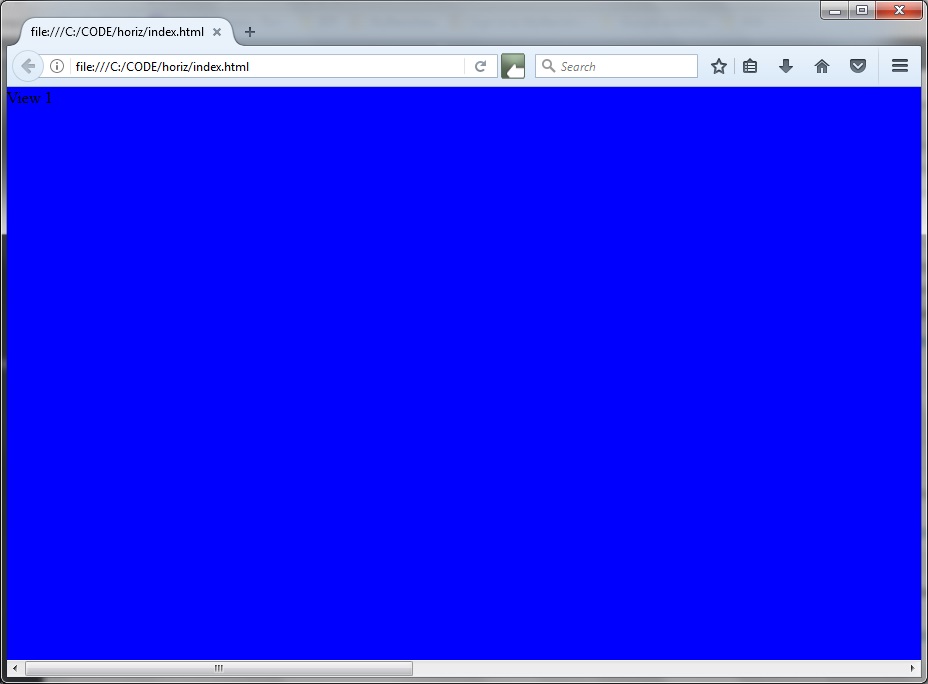
When viewing in FireFox the first view ("View 1") is shown, together with horizontal scrollbar:
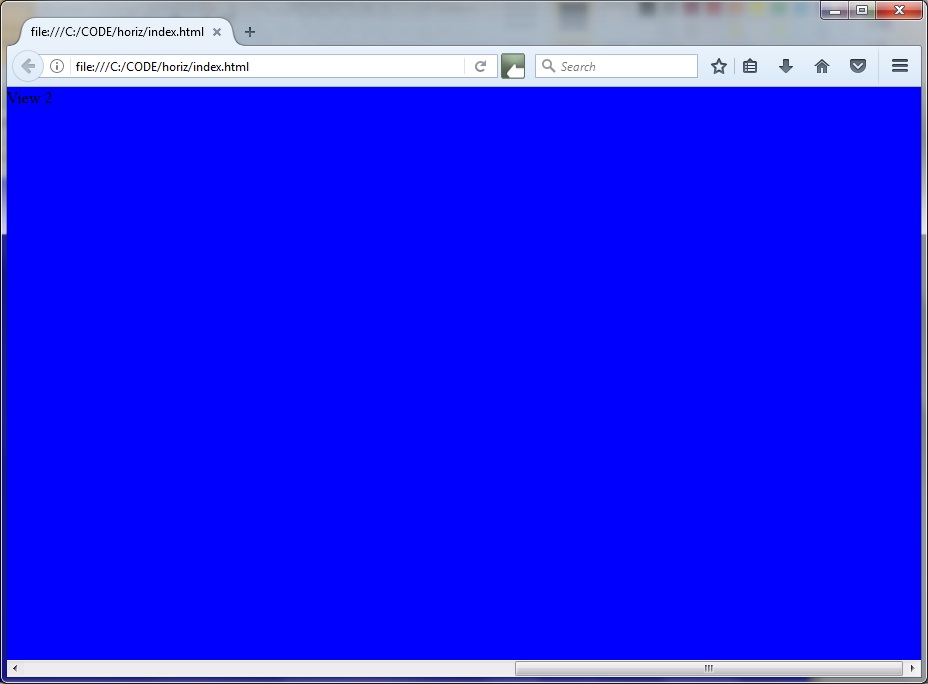
 Scrolling to the right, "View 2" then becomes visible, as shown:
 The two essentials to note are:
i. Use of the 'nowrap' inside the surrounding container to ensure the elements contained inside it do not wrap - they are allowed to spill over.
ii. Use of 'display: inline-block' to fill the available width with the elements as inline - that is from left to right, and not on top of each other.
The two essentials to note are:
i. Use of the 'nowrap' inside the surrounding container to ensure the elements contained inside it do not wrap - they are allowed to spill over.
ii. Use of 'display: inline-block' to fill the available width with the elements as inline - that is from left to right, and not on top of each other.
Scrolling to the right, "View 2" then becomes visible, as shown:
The two essentials to note are:
i. Use of the 'nowrap' inside the surrounding container to ensure the elements contained inside it do not wrap - they are allowed to spill over.
ii. Use of 'display: inline-block' to fill the available width with the elements as inline - that is from left to right, and not on top of each other.


Comments
Post a Comment