Getting started with Mono in Linux
Some instructions on how to get started with using Mono in Linux environments: from installation to running your first "Hello World!" example.
Open up your terminal and issue the following commands:
[code language="text"]
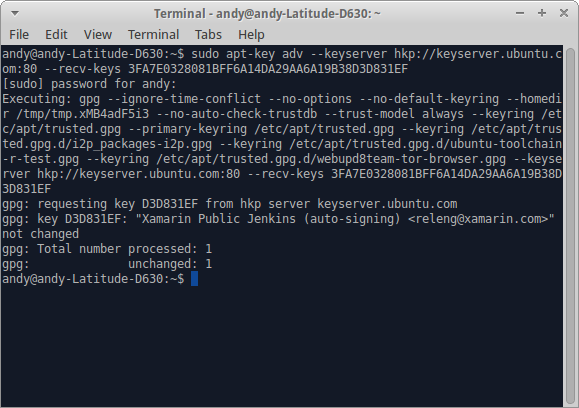
sudo apt-key adv --keyserver hkp://keyserver.ubuntu.com:80 --recv-keys 3FA7E0328081BFF6A14DA29AA6A19B38D3D831EF
[/code]
 [code language="text"]
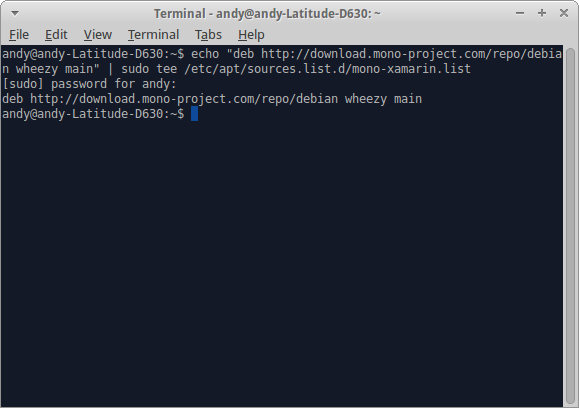
echo "deb http://download.mono-project.com/repo/debian wheezy main" | sudo tee /etc/apt/sources.list.d/mono-xamarin.list
[/code]
[code language="text"]
echo "deb http://download.mono-project.com/repo/debian wheezy main" | sudo tee /etc/apt/sources.list.d/mono-xamarin.list
[/code]
 [code language="text"]
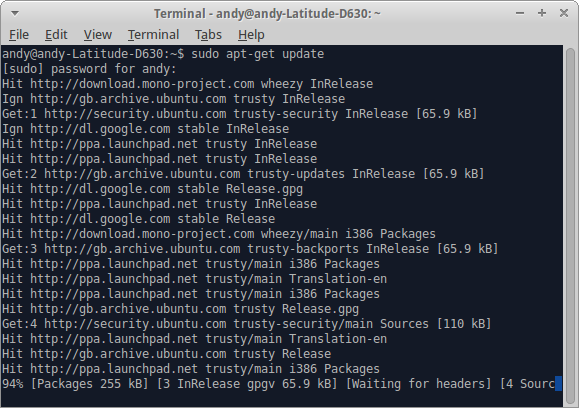
sudo apt-get update
[/code]
[code language="text"]
sudo apt-get update
[/code]
 [code language="text"]
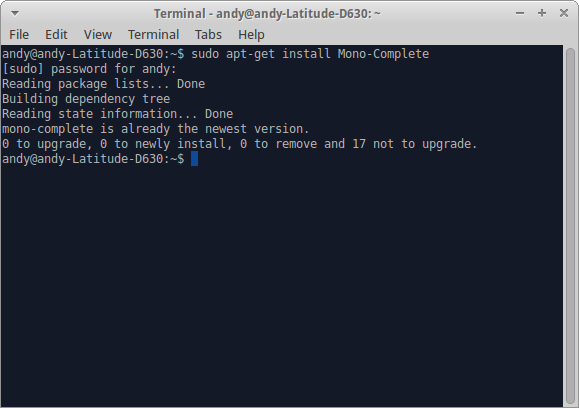
sudo apt-get install Mono-Complete
[/code]
[code language="text"]
sudo apt-get install Mono-Complete
[/code]
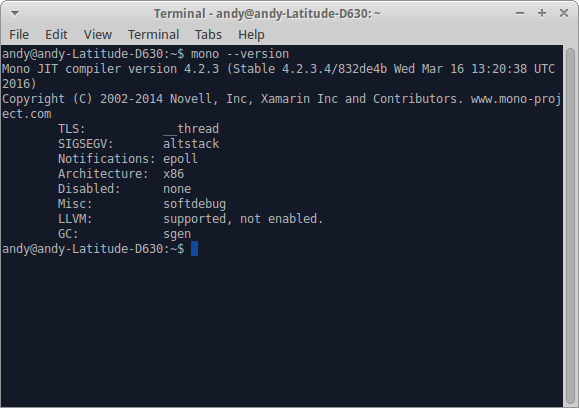
 Check that your Mono has installed by using the 'version' command:
[code language="text"]
mono --version
[/code]
Check that your Mono has installed by using the 'version' command:
[code language="text"]
mono --version
[/code]
 We can now test our installation of Mono by writing some code, in this case the proverbial "Hello World!" example. Open a text editor of your choice and enter the following C# code:
[code language="csharp"]
using System;
namespace MonoExample
{
public class HelloWorld
{
public static void Main(string[] args)
{
Console.WriteLine("Hello World");
}
}
}
[/code]
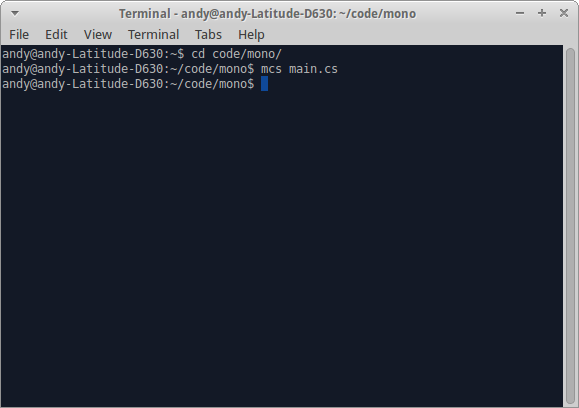
After saving your code sample eg as 'main.cs', using the terminal once more, compile the code by navigating to its location and running the command
[code language="text"]
mcs main.cs
[/code]
We can now test our installation of Mono by writing some code, in this case the proverbial "Hello World!" example. Open a text editor of your choice and enter the following C# code:
[code language="csharp"]
using System;
namespace MonoExample
{
public class HelloWorld
{
public static void Main(string[] args)
{
Console.WriteLine("Hello World");
}
}
}
[/code]
After saving your code sample eg as 'main.cs', using the terminal once more, compile the code by navigating to its location and running the command
[code language="text"]
mcs main.cs
[/code]
 Finally, to run the 'main.exe' that gets generated use the 'mono' command:
[code language="text"]
mono main.exe
[/code]
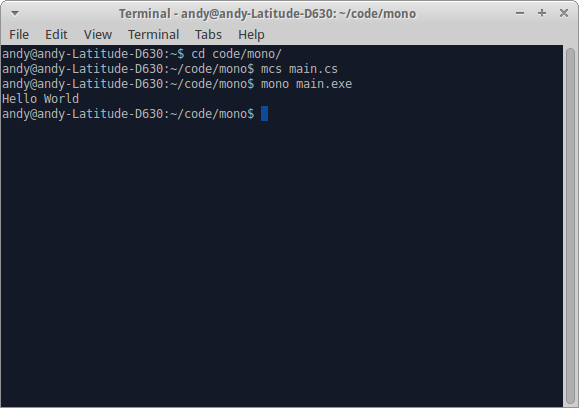
Finally, to run the 'main.exe' that gets generated use the 'mono' command:
[code language="text"]
mono main.exe
[/code]
[code language="text"]
echo "deb http://download.mono-project.com/repo/debian wheezy main" | sudo tee /etc/apt/sources.list.d/mono-xamarin.list
[/code]
[code language="text"]
sudo apt-get update
[/code]
[code language="text"]
sudo apt-get install Mono-Complete
[/code]
Check that your Mono has installed by using the 'version' command:
[code language="text"]
mono --version
[/code]
We can now test our installation of Mono by writing some code, in this case the proverbial "Hello World!" example. Open a text editor of your choice and enter the following C# code:
[code language="csharp"]
using System;
namespace MonoExample
{
public class HelloWorld
{
public static void Main(string[] args)
{
Console.WriteLine("Hello World");
}
}
}
[/code]
After saving your code sample eg as 'main.cs', using the terminal once more, compile the code by navigating to its location and running the command
[code language="text"]
mcs main.cs
[/code]
Finally, to run the 'main.exe' that gets generated use the 'mono' command:
[code language="text"]
mono main.exe
[/code]


Comments
Post a Comment