Using a subset of the boost libraries in Windows
For many C++ applications I very much want to use the Boost libraries, just not the whole set.
This post explains how to use the 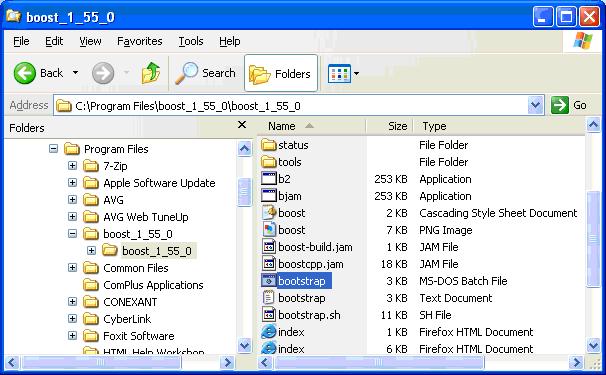 Open the command prompt and navigate to the
  From your
  This creates the
  Using the
  And then run the
  On inspecting the
  Then to try this out, create a Visual Studio Project in the same
  In the empty project, insert a new cpp file,
  And then set the Additional Library Directories property:
For this we need the
And then set the Additional Library Directories property:
For this we need the 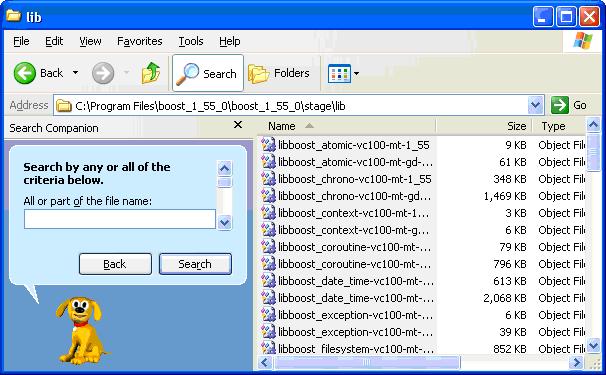 And create the same
  I then set the Additional Library Directories in the project properties:
 The program then compiles and uses the
bcp tool to create a subset of the Boost libraries in order to leave out unnecessary libraries and tailor it to the needs of your project. One nice thing about bcp is that it can be run at any time so as to update your Boost dependencies as and when the need arises.
This post assumes that you have already installed the Boost libraries and used bootstrap.bat and ./b2 in order to build the libraries that need additional compilation. See this previous post for more in-depth details.
Run bootstrap.bat in order to create bjam.exe if you have not already done so. This bootstrap.bat batch file is found in the boost root directory:
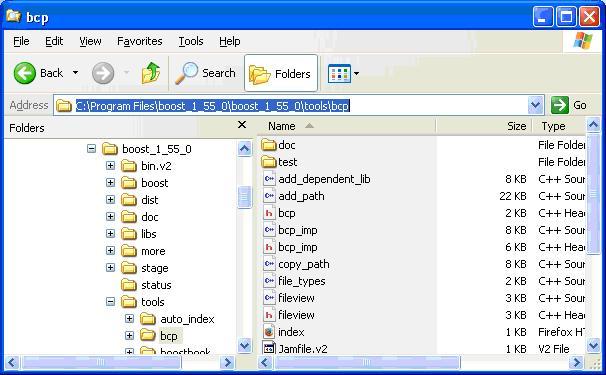
Open the command prompt and navigate to the bcp directory
In my setup it is located in the tools/bcp directory:
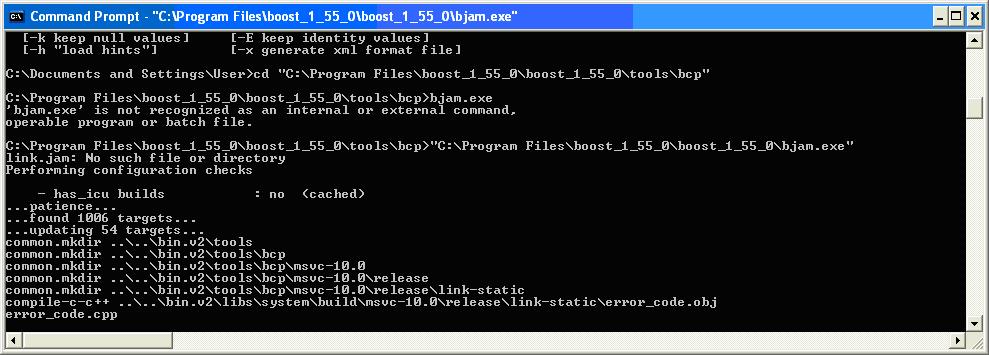
From your bcp directory, run bjam.exe from here:
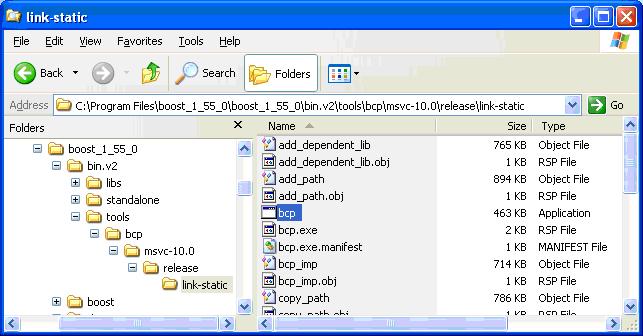
This creates the bcp executable in [Boost path]\bin.v2\tools\bcp\msvc-10.0\release\link-static directory:
Using the bcp executable created you can now create sub-sets of the Boost libraries as and when.
Example command line:
bcp scoped_ptr --boost="C:\Program Files\boost_1_55_0\boost_1_55_0" C:\temp
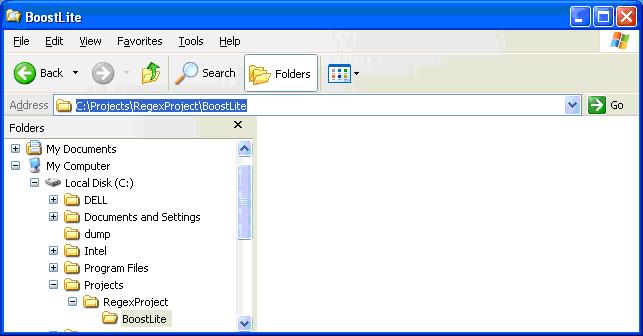
Create the folder where you would like the Boost subset to resite. This might be a folder for a Visual Studio project you are working on:
And then run the bcp command, making sure to include the libraries you wish to include, as well as the location of the boost root directory and the destination folder:
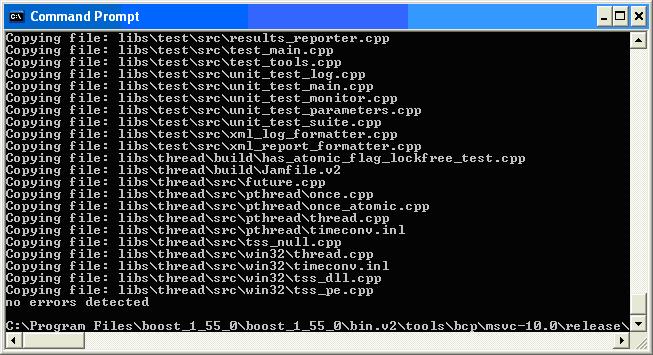
Full command I used here is:
bcp.exe regex --boost="C:\Program Files\boost_1_55_0\boost_1_55_0" C:\Projects\RegexProject\BoostLite
As shown:
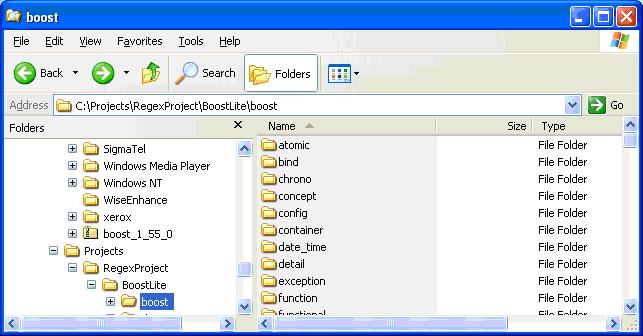
On inspecting the BoostLite folder contents observe that all necessary Boost components for regex have been included:
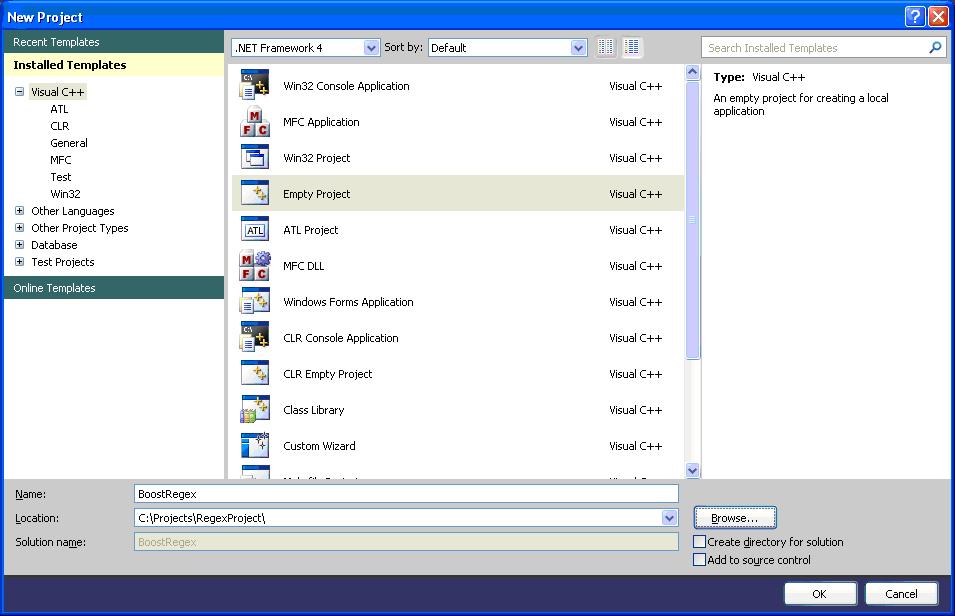
Then to try this out, create a Visual Studio Project in the same RegexProject folder created:
In the empty project, insert a new cpp file, main.cpp, and paste in some example code that uses the Boost regex library:
[code lang="cpp"]
#include <boost/regex.hpp>
#include <iostream>
#include <string>
int main()
{
std::string line;
boost::regex pat( "^Subject: (Re: |Aw: )*(.*)" );
while (std::cin)
{
std::getline(std::cin, line);
boost::smatch matches;
if (boost::regex_match(line, matches, pat))
std::cout << matches[2] << std::endl;
}
}
[/code]
Then set the necessary environment settings in order to make this properly compile.
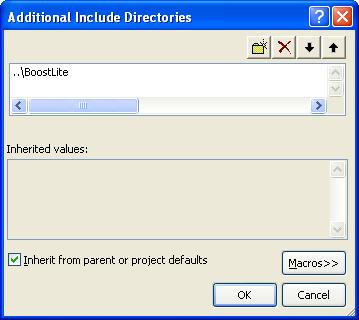
Right-click your project folder and select Properties. In the C/C++ > General tab set the Additional Include Directories field:
And then set the Additional Library Directories property:
For this we need the regex library files, so I copy from the stage/lib directory of my regular boost installation:
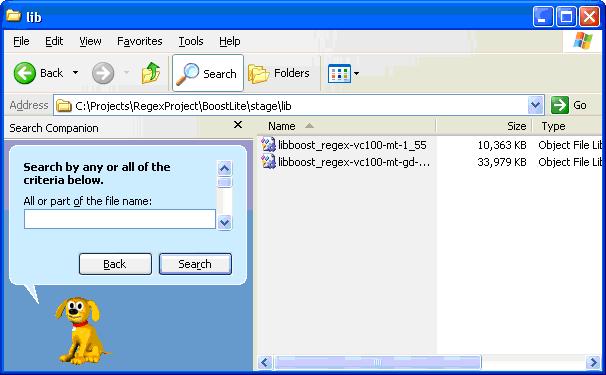
And create the same stage/lib directory structure, but this time inside my BoostLite location, but only containing the regex library files I really need:
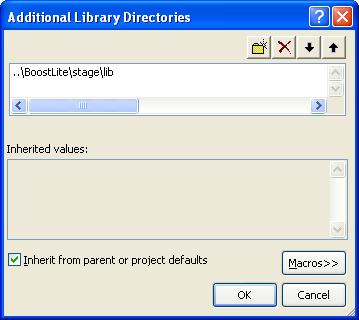
I then set the Additional Library Directories in the project properties:
The program then compiles and uses the regex library as expected.
Download sample project using Boost sub-set
Download example project that includes the Boost regex subset as a complete package, at slightly over 10 MB.


Comments
Post a Comment